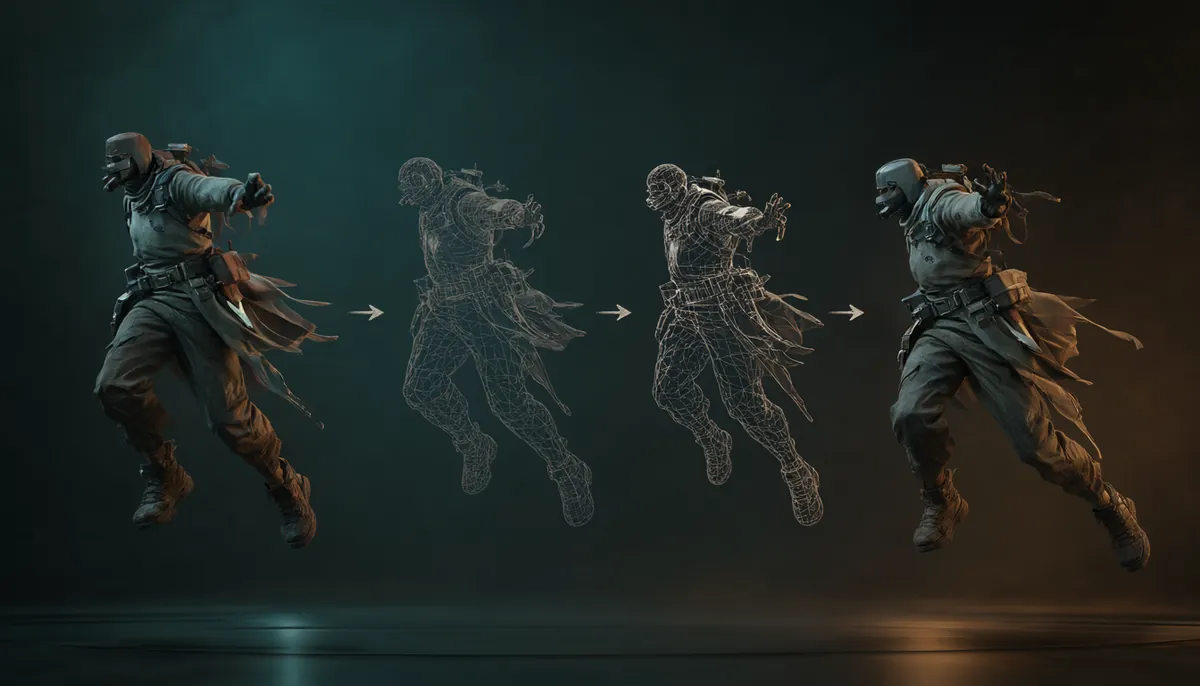
From one image to a textured 3D character, on my own GPUs
Five image models, a four-view trick, Hunyuan3D for shape and paint, and why I accept ten minutes per character.
I’m not an artist. To make characters for The Long Rot I built a pipeline that turns one front image into a textured 3D model, all on media-gen’s V100s.
Getting to the right image model
| Model | What happened |
|---|---|
| FLUX.1 dev | Where I started, in ComfyUI |
| FLUX.2 Klein (4B / 9B) | Tried next |
| Qwen-Image | |
| Qwen-Image-2512 + Lightning LoRA | Fixed garbled text in images |
| Qwen-Image-2.1 | Slow, ~6 minutes an image, but the only setup that gave me four consistent character views |
Four consistent views is what 3D needs, so I accepted the slow path: about 10 minutes per character.
One V100 gotcha: running it in fp16 gave a black image, so it runs the slower default path.
The Image To 3D tool
A custom Open WebUI tool. I hand it one front image and it does the rest:
- Qwen-Image-2.1 draws the left, back and right views.
- Hunyuan3D-2mv builds the shape from the four views.
- RealESRGAN x4 upscales before baking.
- Hunyuan3D-Paint textures it.
Best results so far: 150K faces and 4096 textures.
What’s still wrong
- Paint puts faces on the sides of heads sometimes.
- Seams (“puzzle lines”) are still my biggest complaint.
Where it’s used
For The Long Rot, ChatGPT makes concept art and four-view sheets, this pipeline turns them into GLBs, Claude cleans them, and my local assistant puts them into Unity. Mack, Governor Calloway and Major Peña are done. I’ve also used it on my own face, for my assistant’s 3D head, and on a dragon for a PC case.
Short video clips come from Wan 2.2 TI2V 5B, on the same machine.